Why there is nothing to "unblock"
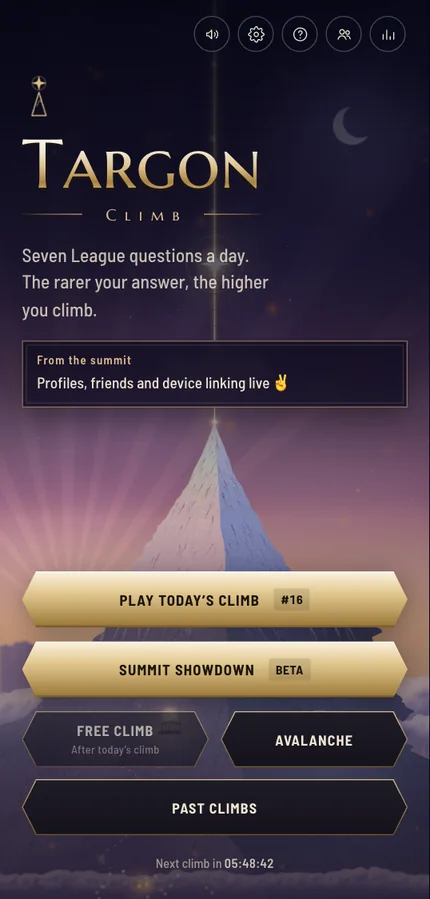
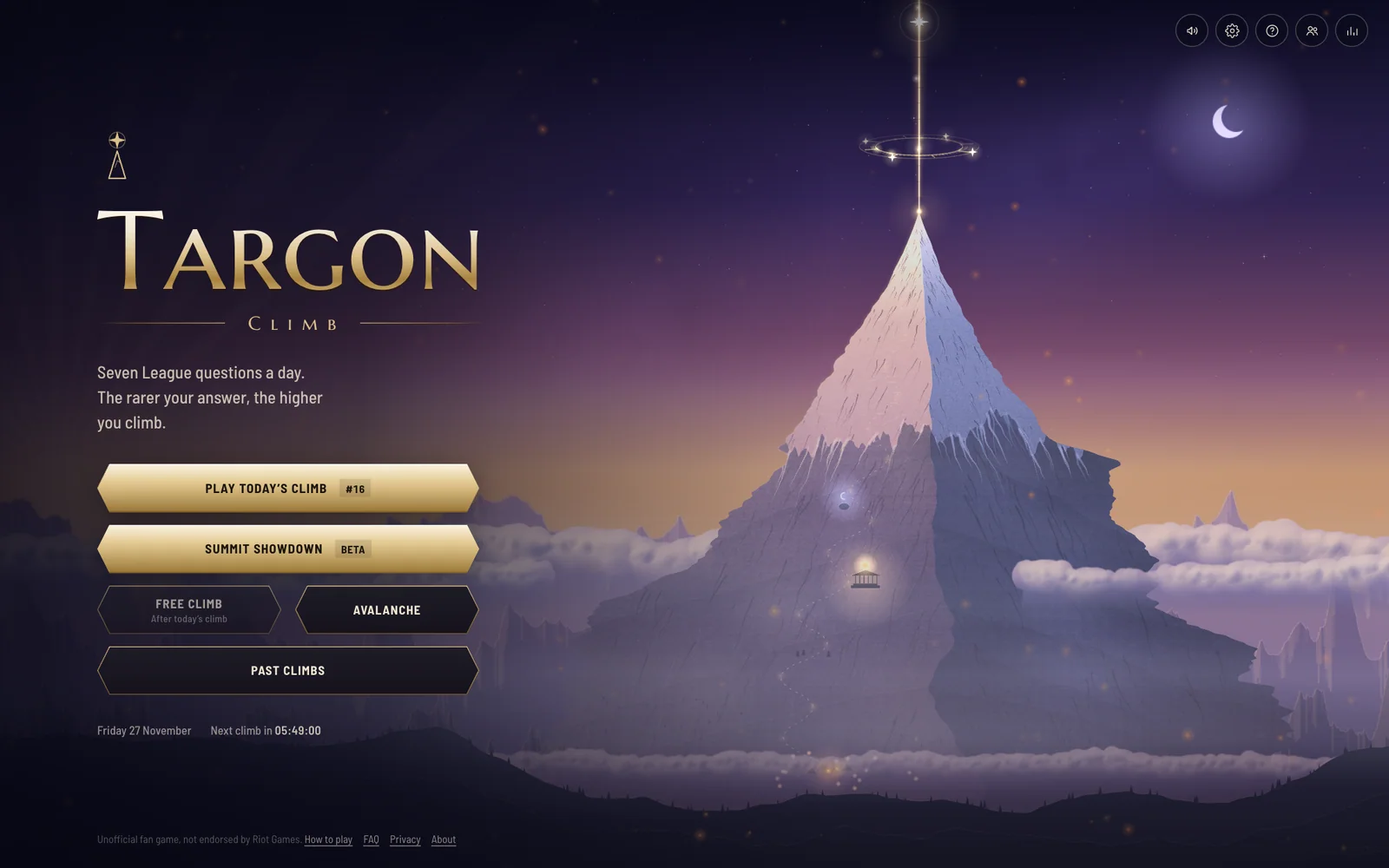
Targon Climb needs no download, installer or account. The whole game is the page at targonclimb.com, and it works in current desktop and phone browsers. Sites that promise an "unblocked" copy are either linking to the same page or hosting a copy the developer did not make.
On managed devices, administrators decide which sites load. Google's Chrome Enterprise help says admins can block and allow URLs "so that users can only visit certain websites". A blocked quiz is a policy choice on that device or network, not a fault in the game.
Working out what is blocking it
| What you see | Possible cause | What to do | Evidence status · 27 Nov 2026 |
|---|---|---|---|
| A page from your school or company saying the site is blocked | Network or device filter | Ask the IT team whether targonclimb.com can be allowed, or play later on your own device | 1 documentation source · Chrome Enterprise |
| The browser cannot reach the site on any network | Game outage or connection fault | Try again later; check targonclimb.com on another connection | Diagnostic guidance |
| It works on mobile data but not on Wi-Fi | Wi-Fi filtering or a fault on that network | Use your own connection where that is allowed | Diagnostic guidance |
| Managed Chromebook says the page is blocked by an admin | Admin URL blocklist | Only the admin can change it | 1 documentation source · Chrome Enterprise |
| Page opens but the game frame on this site stays blank | The play button has not been pressed, the frame is blocked or the game is unavailable | Press Play here, or use "Open full screen" to open targonclimb.com directly | Site implementation · click-to-load frame |
Targon game on iPhone and iPad
No installation is needed on iOS: open targonclimb.com in Safari or another current browser. The checked game pages point to browser play; no Targon Climb listing appeared in the checked Google Play search. A school-managed device may still restrict which sites can open.
To keep it one tap away, use Safari's Share menu and choose Add to Home Screen.
Playing at school, fairly
- A full daily climb is seven prompts at 30 seconds each, so it fits in a break.
- If a teacher allows it, they can ask IT to allow the one domain, targonclimb.com.
- Avoid sites that wrap the game in their own pages: they can add their own ads and trackers, and your saved streak may not carry over.
FAQ
Is Targon Climb unblocked?
It is a normal website, so it opens anywhere targonclimb.com is not filtered. If your school or work network blocks it, only the network administrator can allow it.
Is there a Targon Climb iOS app?
The checked game pages link to browser play, which needs no app installation on iPhone or iPad. This review did not establish whether an Apple App Store listing exists.
How do I bypass a school block on Targon Climb?
This site does not offer ways around school or work filters. Ask your IT team to allow targonclimb.com, or play on your own device and connection.
Sources
- Targon Climb — game page — today's Climb number, modes, altitude zones; checked 27 Nov 2026
- Targon Climb — FAQ — fourteen questions: rarity, typos, ads, streak, colour-blind mode; checked 27 Nov 2026
- Google — Chrome Enterprise: block or allow URLs — how school and work admins block sites; checked 27 Nov 2026
- Google Play search: "targon climb" — no Targon Climb listing when checked 27 Nov 2026